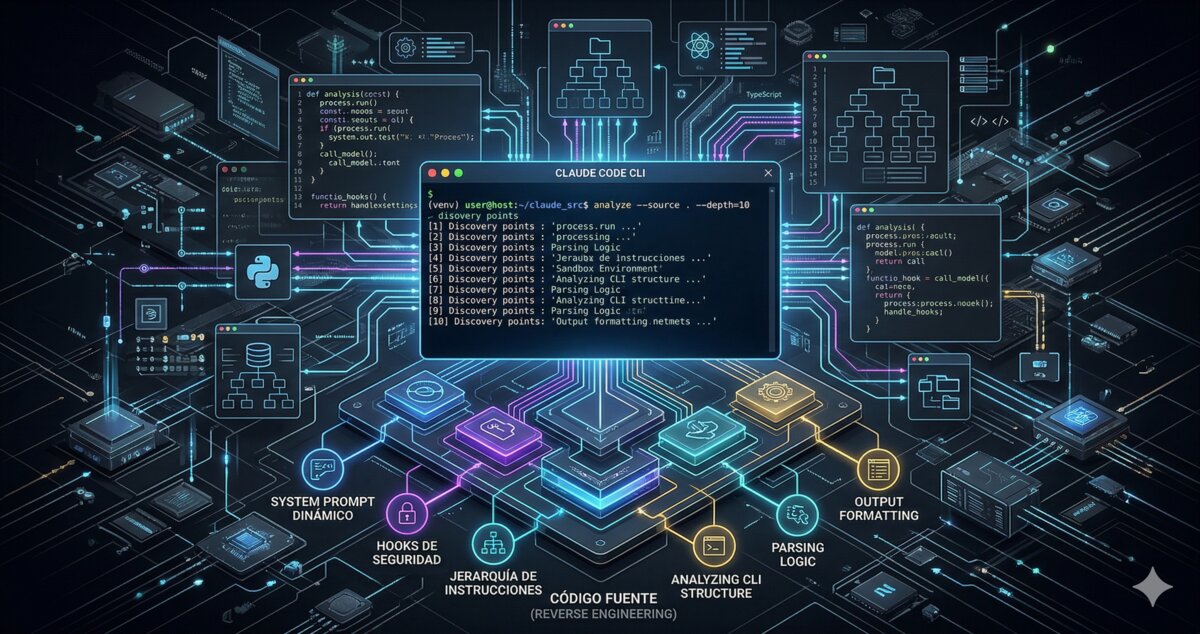
On March 31, 2026, the Claude Code source code was briefly exposed. A Korean developer named Sigrid Jin made a clean-room port to Python and Rust before Anthropic took it down. The claw-code repository does not contain the original code, but it does include snapshots, subsystem metadata, and a partial runtime port that reveals how Claude Code works under the hood.
Understanding how your tool works lets you use it better, so it was worth digging into it thoroughly. For obvious reasons it would take me several years to review every line of code, but that is what Jarvis is for — he got to work and abstracted away the first 50K hours of effort for me ;-)
Some of the things we found were already more or less obvious, depending on how far each person has read or researched, so I hope the more advanced readers will bear with me. For the rest, I think it is worth including them in this summary.
1. CLAUDE.md is recursive: use a hierarchy of instructions
This is what changed my workflow the most.
Claude Code does not look for a single CLAUDE.md at the root of your project. It searches for instruction files across the entire ancestor directory chain, from your current working directory all the way up to the filesystem root. In each directory it looks for:
CLAUDE.mdCLAUDE.local.md.claude/CLAUDE.md.claude/instructions.md
All of them are loaded and concatenated (with automatic deduplication if two files have the same content). The total budget is 12,000 characters, with a maximum of 4,000 per file.
How to use it: put global rules in ~/CLAUDE.md (code style, commit conventions, security rules), team or company rules in ~/Work/CLAUDE.md, and project-specific rules in each repo. They all apply, in cascade.
One detail: CLAUDE.local.md is meant for instructions you do not want to commit. Add it to .gitignore and use it to inject personal context: local paths, environment variables, individual preferences.
That said: not everything has to live in the CLAUDE.md. In my case, the CLAUDE.md is just a few lines — it points to a dedicated repository with policies, protocols and skills organized in folders. If your CLAUDE.md starts growing too much, consider splitting it up. But that deserves its own post.
2. Hooks are real security guards, not suggestions
The Claude Code system prompt tells it things like “do not run destructive commands”. But that is an instruction to the model — a suggestion it can ignore.
Hooks are different. They are real shell commands that run before and after each tool use. If a hook returns exit code 2, the tool is blocked. There is no way around it.
The system passes all the necessary information to the hook as environment variables:
HOOK_EVENT—PreToolUseorPostToolUseHOOK_TOOL_NAME— tool name (e.g.Bash)HOOK_TOOL_INPUT— the full JSON inputHOOK_TOOL_OUTPUT— the output (PostToolUse only)
Practical example: a hook that blocks dangerous commands:
#!/bin/bash
# PreToolUse hook: block destructive commands
if echo "$HOOK_TOOL_INPUT" | jq -r '.command // empty' | grep -qE 'rm -rf /|DROP TABLE|format '; then
  echo "Dangerous command blocked by hook"
  exit 2
fi
This is infinitely more reliable than trusting the model to “obey” prompt instructions.
3. Auto-compaction has a configurable threshold
When a session gets long, Claude Code automatically compacts older messages into a structured summary. The summary preserves: tools used, key files, pending work, and a conversation timeline. The most recent messages are kept intact.
What is not obvious is that the threshold is adjustable. By default it triggers at ~95% of context capacity, but you can force more aggressive or more conservative compaction.
Tip: for long sessions where the agent “loses the thread”, compact manually with /compact. The summary it generates is surprisingly good — it captures pending work, touched files, and what you were doing. It is like a checkpoint for your session.
4. The system prompt is built dynamically
The system prompt is not a fixed text. It is assembled piece by piece by a builder with modular sections:
- Intro — defines the agent role
- Output Style — formatting instructions (optional, only if you configure one)
- System — base rules (permissions, hooks, compression)
- Doing Tasks — behavior guide (“do not add speculative abstractions”)
- Actions — precautionary principle for destructive operations
__SYSTEM_PROMPT_DYNAMIC_BOUNDARY__— marker separating the static part from the contextual one- Environment — model, directory, date, OS
- Project Context — git status + git diff at session start
- CLAUDE.md — your instructions, recursively
- Runtime Config — loaded settings
That DYNAMIC_BOUNDARY is key: everything before it is cacheable by the Anthropic API. Everything after it changes with each session.
Practical implication: keeping your CLAUDE.md stable (without frequent changes) maximizes prompt cache hits, which reduces latency and cost. If you change your CLAUDE.md constantly, you invalidate the cache.
5. Each tool has a required permission level
The permission system is not a simple on/off. Each tool has an assigned required_permission:
| Tool | Required permission |
|---|---|
read_file, glob_search, grep_search | ReadOnly |
write_file, edit_file, TodoWrite | WorkspaceWrite |
bash, Agent, REPL | DangerFullAccess |
If your permission mode is lower than required, Claude Code asks before executing. If it is equal or higher, it executes directly.
Tip: for read-only tasks (audits, code exploration, documentation), use ReadOnly mode. The agent will not be able to modify anything even if it wants to. For CI/CD automation without intervention, use Allow.
6. Subagents support model override
When Claude Code launches a subagent (with the Agent tool), it accepts a model parameter that allows using a different model than the main one.
This is already built into the normal flow: when you ask for something that requires search, Claude Code can launch a Haiku agent (faster and cheaper) for the search, and reserve the main model for complex reasoning.
How to use it: if you are in an Opus session and need to search for something simple, the system already optimizes this automatically. But if you define your own agents (custom agents in .claude/agents/), you can specify which model to use for each one.
7. Claude Code captures git status and diff at startup
At the start of each session, the runtime captures a snapshot of git status --short --branch and git diff (both staged and unstaged). This is injected into the system prompt as context.
Implication: Claude Code knows from the first message which files you have changed, what you have staged, and which branch you are on. You do not need to explain “I am on branch feature/X and I have modified these files” — it already knows.
Tip: if you want Claude Code to start from a clean state, commit or stash before starting the session. If you want it to know exactly what you have touched, leave the changes uncommitted.
8. “Deferred” tools are loaded on demand
Not all tools are available from the start. Some are “deferred” — they appear listed in <system-reminder> tags but have no schema until they are loaded with ToolSearch.
This is an optimization: loading all tools from the beginning would consume too much context. Instead, the model sees the available names and loads the full definition only when needed.
Tip: if you need a specific tool and Claude Code does not seem to find it, mention it by name. The system will use ToolSearch to load its schema and make it available.
9. There is a bundled skills system beyond the visible ones
The source reveals 20 skill modules, several not obvious from the interface:
/loop— runs a command or prompt cyclically with a configurable interval. Perfect for polling (e.g. watching an open PR every 5 minutes for new comments or status changes)./simplify— reviews changed code looking for reuse, quality and efficiency opportunities. Auto-fixes what it finds./schedule— schedules remote agents with cron. The foundation for recurring automated tasks.skillify— a meta-skill that converts a frequent usage pattern into a new reusable skill.
These skills do not always show up in the basic help, but they are there. Try /loop 5m /status to monitor something, or /simplify after a big refactor.
10. The sandbox is much more than limiting paths
On Linux, Claude Code uses bubblewrap (which internally creates user, mount, IPC, PID and UTS namespaces with unshare). On macOS it uses Seatbelt. It can isolate the network completely.
It also automatically detects if it is running inside Docker, Podman or Kubernetes — by checking /.dockerenv, /run/.containerenv, /proc/1/cgroup and environment variables like KUBERNETES_SERVICE_HOST.
Why it matters: if you work with sensitive data or in regulated environments, the Claude Code sandbox is not a toy. It is real kernel-level isolation. And if you are inside a container, it detects it and adjusts its behavior accordingly.
Bonus: the real scale of Claude Code
The numbers from the original source put things in perspective:
- 1,902 TypeScript files
- 207 slash commands
- 184 tool modules
- 33 independent subsystems
- 130 modules in the services directory alone
This is not a CLI that calls an API. It is a full agent runtime, with a plugin system, multi-agent coordination, vim mode, voice mode, an animated companion (yes, there is a buddy with sprites), and subsystems that have not been publicly activated yet.
Conclusions
Understanding how your tool works gives you an edge. The three things with the most practical impact:
- Hierarchical CLAUDE.md — use the file cascade to have global, team and project rules. It is the most effective way to control agent behavior.
- Hooks as real guards — if you need real security (not suggestions), hooks with exit code 2 are the only barrier the model cannot bypass.
- CLAUDE.md stability — keeping it stable maximizes prompt cache. Do not change it constantly.
The Claude Code source confirms something that was already obvious: if you want to make a difference, where you have room to maneuver and plenty to improve in your productivity and results, is in the orchestration. How you configure the environment, how you structure the instructions, how you connect the tools. That is where the real advantage lies.