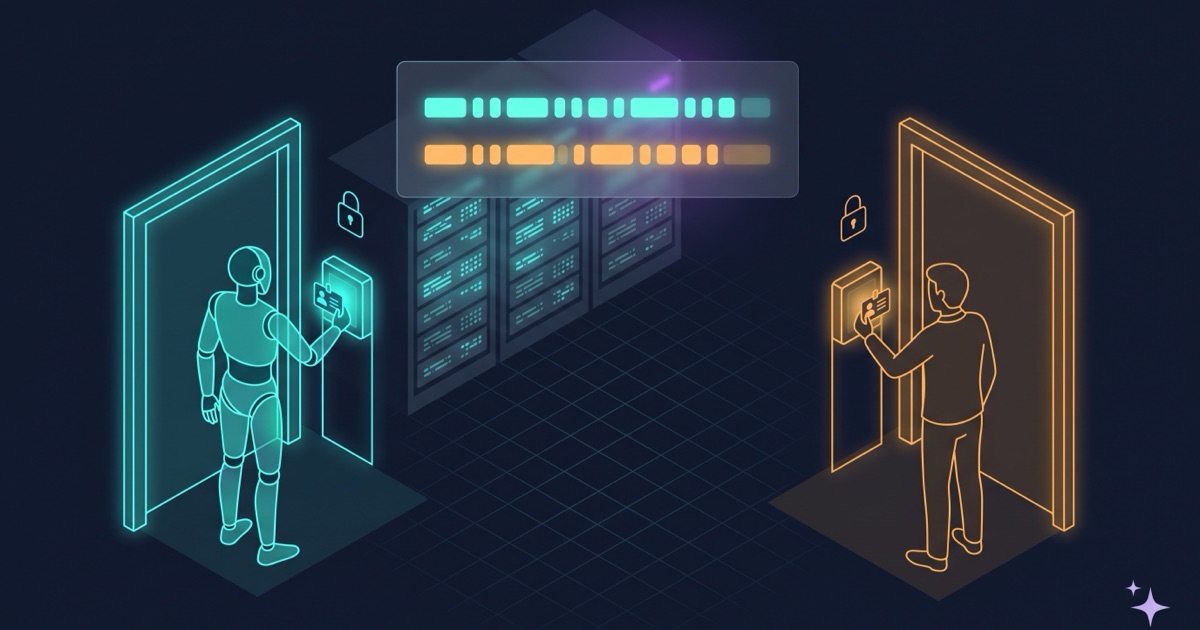
Your agents write code, open PRs and maybe SSH into your machines. Stop and check what permissions they actually have while doing it, and don’t put your trust in policy files and the like.
You will find the same access-control problems as always, the ones that show up the moment somebody who is not you starts logging into your servers. Why does it happen? Because you treat agents as tools and not as users.
One account per agent
The agent should not log into production as ubuntu, using the same key you use.
Otherwise it will be able to do everything you can do yourself, and the auth log will not tell its sessions from yours. If the “read-only” part of its access is a sentence in a policy file that the model reads at the start of a session, watch out: the machine will hand it root the moment it asks with a sudo, if your account has it.
The fix is one account per agent per host, with its own key. It costs a provisioning script and it makes “who did this” a question for the log rather than for your memory, and we all know the palest ink beats the sharpest memory.
The sudoers should not give root
The next step is a sudoers file with diagnostic verbs only: read the journal, check a unit’s status. No restarts, no stops, no data. It should not hand out uid 0 for free, with nothing needing it.
In sudoers, a command listed with no arguments permits all arguments. journalctl and systemctl status will go in bare, and both page through less by default. From less, !sh opens a shell, which under sudo is a root shell.
Another route can be openssl x509, which you may have filed under inspection commands. It accepts -out, so it writes a file: any file, including the sudoers that has just granted the permission.
Read-only will turn out to be a property of the invocation, not of the binary. Anything that can page, shell out or write a file is a write primitive with a read verb’s name. The specifications should pin the pager, and none of them should be left without declared arguments.
If you build an SSH allowlist, it will let them hop to any host
Another control can be an allowlist of hosts the agent may SSH into. You turn every host on the list into a jump point to anywhere else.
It can find ways past it. SSH option keywords are case-insensitive, so a check for ProxyCommand misses proxycommand. Quoting breaks the match. And neither Hostname nor -F contains the string “proxy”, while Hostname sends the connection to another machine and -F points ssh at a config file that can define anything.
To invert it: an option passes only if its keyword is on the list of ones that cannot move the connection, and -F is refused.
Another possible bug: searching for -F in the whole command line, so ssh host 'awk -F: ...' gets blocked. It should read only the tokens ssh itself owns, from the leading ssh up to the host, stepping over the value of options that take one, since key in -i key is not the host. The attached form needs no special case: -ikey is a single token starting with a dash. Past the host it is another program’s command line, except for a nested ssh, which opens its own connection and gets its options read too.
The tests could be green the whole time
Those controls can have tests. But if you assert on substrings of the rendered configuration, they will be green while the sudoers grants root.
Matching text does not test a control. The sudoers test would do better parsing the actual command specifications, and checking that it fails when the dangerous form goes back in. The SSH dry-run one can put a fake ssh on the path that blows up if anything calls it.
Mutating the code to see both tests go red would be a few very well spent minutes.
The hawk’s verdict was text in the transcript
I run a second model that reviews the main agent’s turns, what Alejandro Vidal calls a hawk. When it sees something serious it escalates, and the escalation is text injected into the transcript: stop and check with the human.
So the verdict about the agent is delivered to the agent, which then decides whether to act on it (and that is with Alejandro explaining it rather well 😅). In one of my sessions the hawk escalated six times, the agent dismissed all six as false positives and carried on. One of the six was a git push --force, which is not the agent’s decision to make regardless of who turns out to be right.
Now an escalation writes me a lock file and a hook denies every tool while that file exists. With no tools left, the only possible action is writing text, so the only exit is asking the human. The agent cannot clear the lock either, because the write and the shell command it would need are denied by the same hook. It tells me, it explains what is going on, and if everything is fine, I delete the file blocking it.
The other half of that change: only things code can corroborate are allowed to escalate. Three identical retries, counted. A command on the irreversible list, matched. Everything else warns without freezing anything, because if a model’s opinion stops the session, all you have done is move the non-determinism from the agent to its hawk.
The hooks should not hang off Write/Edit, but off Bash
Content hooks should not be wired to the file-editing tools, but to the shell.
Otherwise a heredoc into python3, a cat >, a sed -i or a tee could write the file straight past them. It would not be one rule being skipped: it would be every rule, walking in as if it owned the place with nobody there to bother it. The hooks would not judge that code badly, they would simply never receive it.
Worth counting the paths into whatever you are protecting, not just the rules. An agent uses more of them than a person does, and it knows every trick in the book.
Where I would start
If you have agents acting on your infrastructure, the first check could be the auth log: see whether you can tell their sessions from yours. Everything else in this post came out of that one.
The rest is ordinary work: identity before permissions, allowlists instead of blocklists, a test you have seen fail, a control on every path in. The only new part is that the user on the other side works at three in the morning and reads your policy file as advice, and is not afraid of you firing them ;-). The more of the work happens inside a loop that runs without you, the longer it takes you to notice.